Tech stack
The tech stack tool lists what the site you are on is built with: its framework, its styling, its build tool, analytics and more, grouped by kind.
Using it
- Open the toolbox and click the stack of layers.
- Read the list. Each entry links to the technology's website and gives a rough idea of how widely it is used.
- Use Copy as text or Copy as markdown to paste the list into a ticket, a chat or an audit.
Example: what the shop is built with
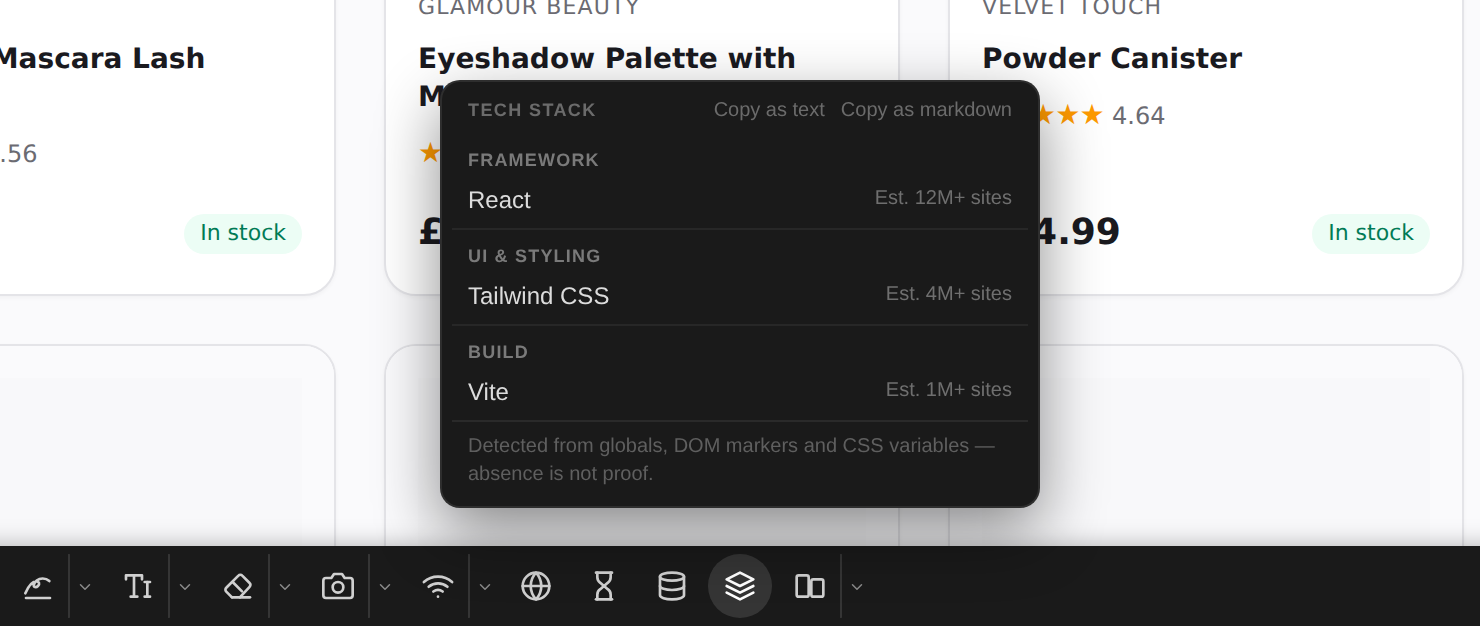
On the demo shop, the toolbox finds React for the framework, Tailwind CSS for the styling and Vite for the build.
Good to know
- Detection reads what the page exposes: global variables, markers in the page and CSS variables. A technology that leaves no trace is not listed, so a missing entry does not prove it is not there.
- tweak never counts itself: the toolbox on the page does not show up in the list.
- The copied list starts with the address of the page it describes, without its query string.
Need something else? Request a feature