Settings and Privacy
Everything that configures tweak, rather than a rule, lives in one place: more options (⋮) > Settings.
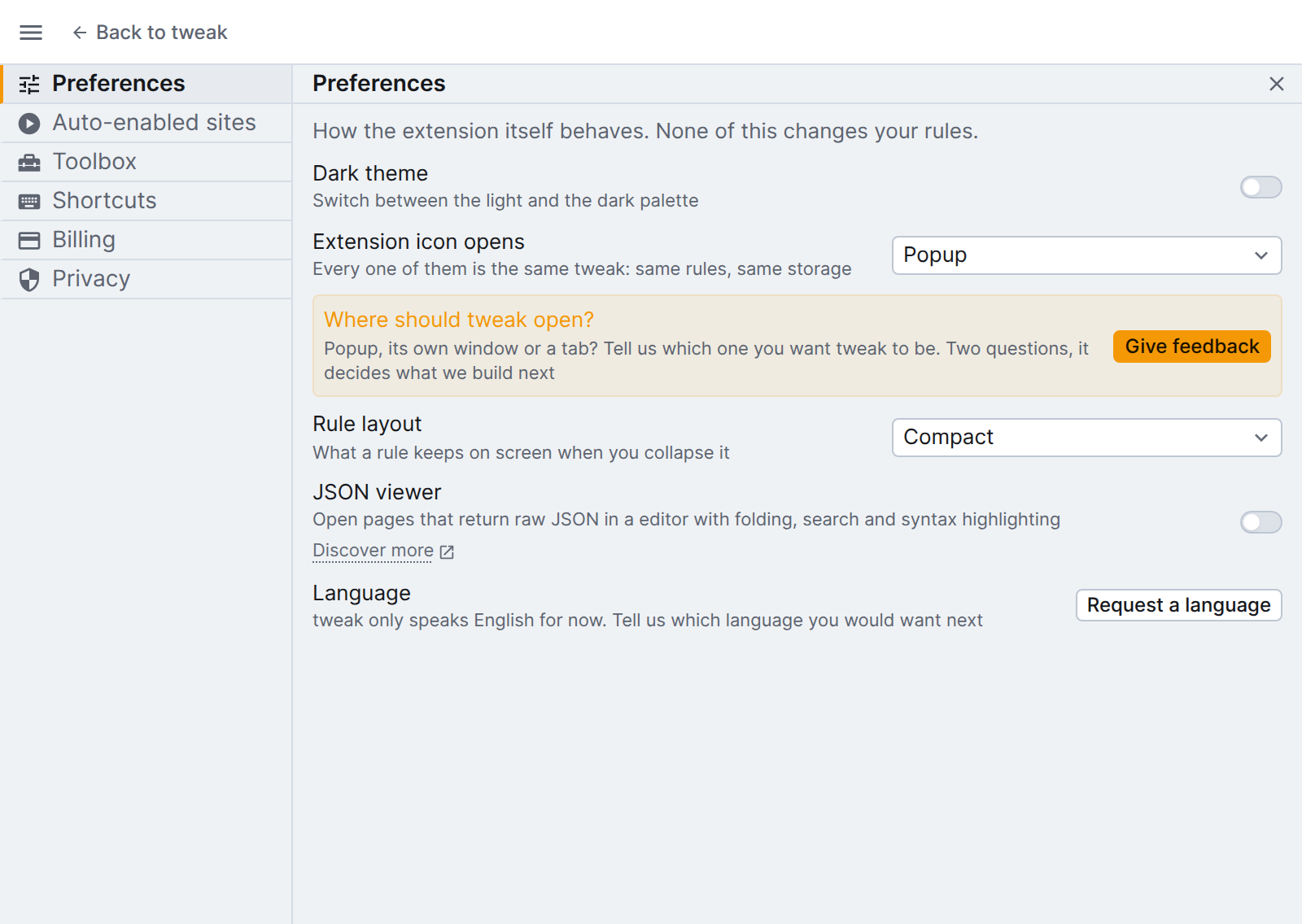
| Section | What it holds |
|---|---|
| Preferences | Look and feel: the theme, what clicking the extension icon opens, the rule layout, and the language you would like next |
| Auto-enabled sites | The sites where tweak kicks in automatically and which features it turns on. |
| Billing | Your plan, subscription management links and Sign out |
| Privacy | Your privacy controls and other helpful information |
The pages in this section
See also our Security page for details on permissions, data handling, and certifications.