Redirect rules
A Redirect rule sends a matching request somewhere else. That is the whole rule type: no payload, no status code, no headers, no hooks, just where the request goes.
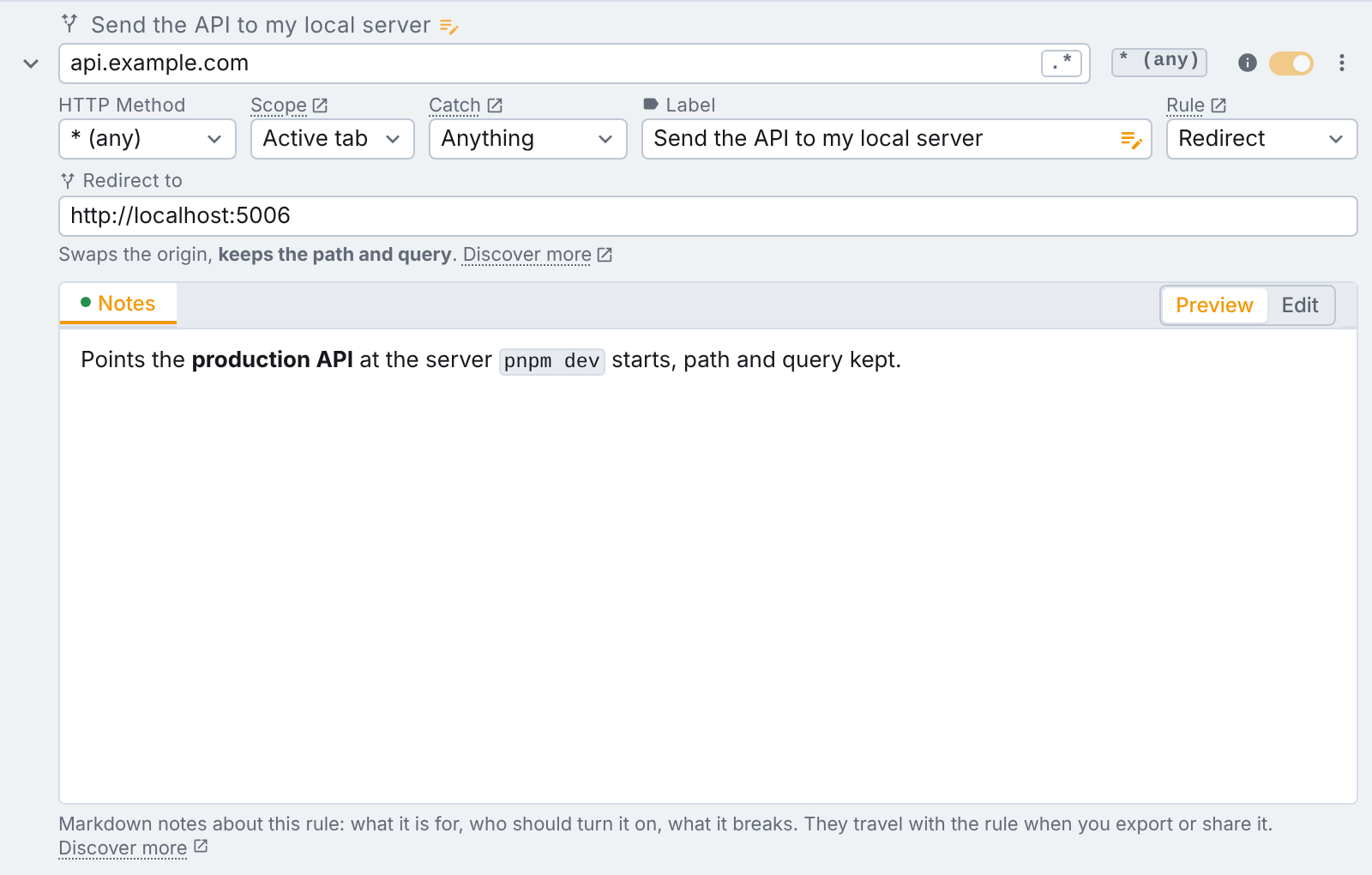
Like Headers only rules, a redirect is applied by the browser itself
rather than by tweak inside the page. That is what lets it redirect things your
JavaScript never asks for: the page navigation itself, <script> tags, stylesheets, images and fonts.
Fields
Beyond the url expression and the method, a redirect rule adds:
- Scope: active tab or global, exactly as described for headers only rules.
- Catch: which kind of request to redirect.
- Redirect to: where it should go.
Redirect to: what you type decides what happens
There is no "redirect mode" to pick. The browser supports three different ways of redirecting, and tweak infers which one you meant from the shape of what you type. The line under the field always names the reading, so it is never a guess.
| What you type | What happens |
|---|---|
http://localhost:3000 | Swaps the origin and keeps the path and query. |
https://example.com/fixtures/users.json | Sends every match to that exact url, path and all. |
/v2/users, ?debug=1, #top | Rewrites just that part of the url and keeps the origin. |
| A substitution, with the regex toggle on | \1, \2… are the capture groups of the url expression. |
The first row is the one most users want. "Send my API calls to localhost" means keeping the path:
https://api.example.com/users?page=2 should become http://localhost:3000/users?page=2, not
http://localhost:3000. Typing an origin on its own gets you exactly that.
Using capture groups
With the regular expression toggle on, the replacement can reference the groups of the expression:
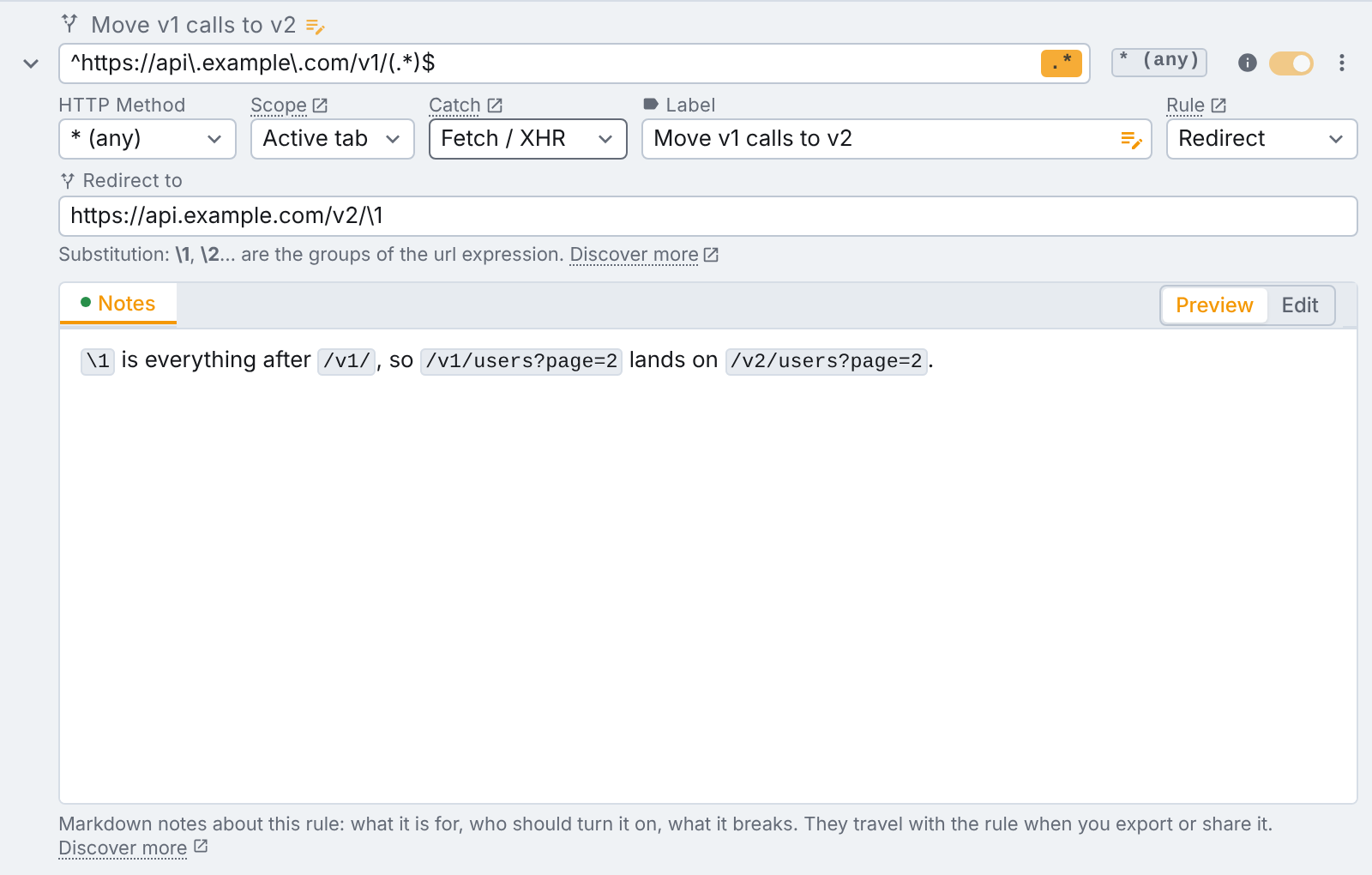
With a regex expression the replacement has to be a whole http(s) url. A relative one is rejected,
and the field turns red to say so. Only http and https targets are accepted; javascript:, data:
and extension urls are not.
Using variables
Variables in redirect urls are only available on Tweak Max. Compare the plans here. Note also that generators are not accepted here: a url is a matcher, and a generated one would match nothing twice.
Both url fields of a redirect rule, the expression it matches and the url it redirects to, accept
variables: {{<name>}}. One api_host variable, changed in one place, can
re-point every redirect rule you have.
They are drawn as chips over the field so a long value does not hide the rest of the url, and clicking into the field shows the raw token again.
Catch: which requests to redirect
Catch decides which kind of request the rule applies to.
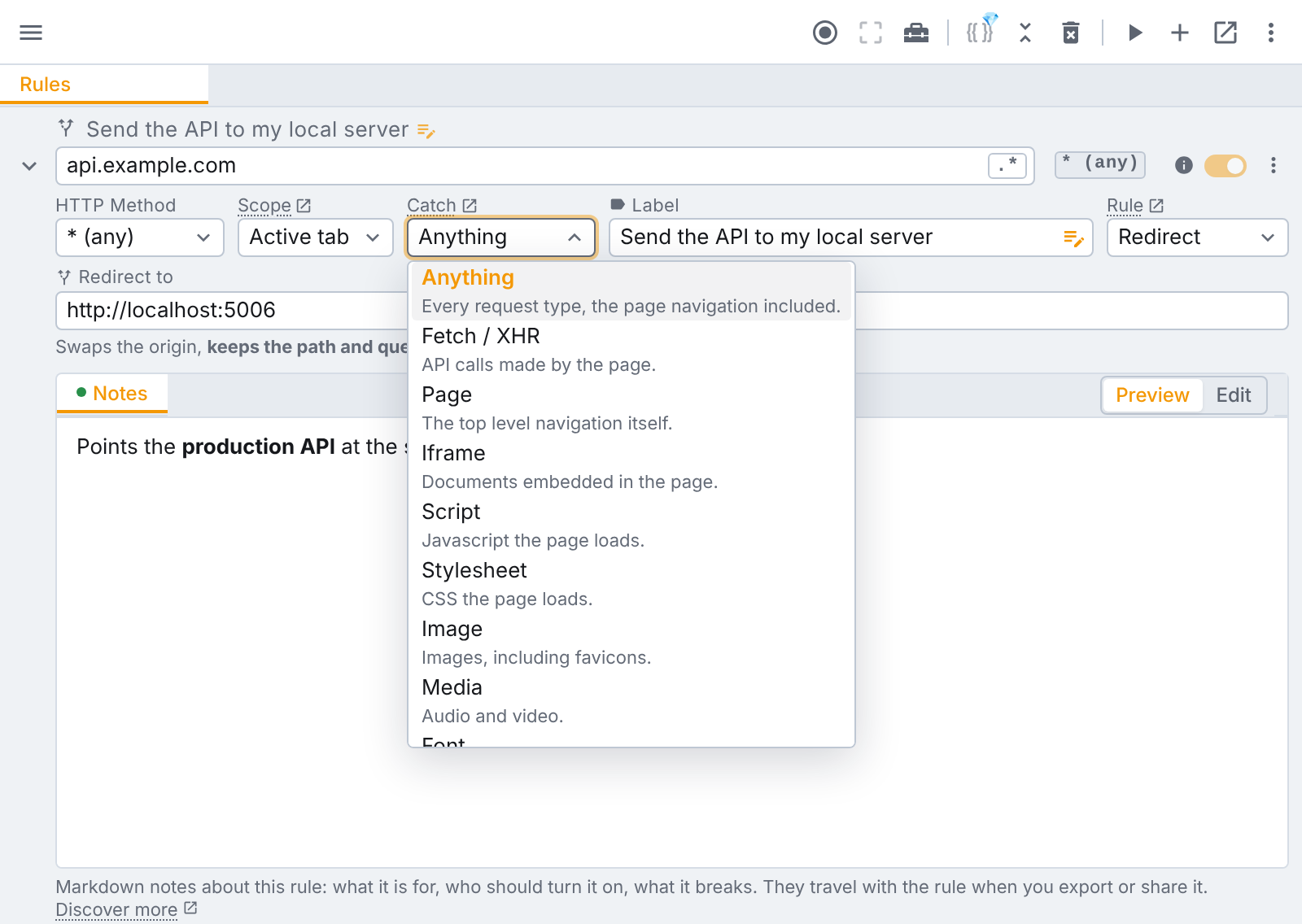
| Catch | Requests |
|---|---|
| Anything | Every request type, the page navigation included. |
| Fetch / XHR | API calls made by the page. |
| Page | The top level navigation itself. |
| Iframe | Documents embedded in the page. |
| Script | JavaScript the page loads. |
| Stylesheet | CSS the page loads. |
| Image | Images, including favicons. |
| Media | Audio and video. |
| Font | Web fonts. |
Anything is the default. Every option is free, on every plan.
Narrowing matters when your expression is broad. A rule catching Anything on example.com will also
redirect the page navigation, which is hard to diagnose from inside the page it just replaced. If you
only meant to target images on the page, for example, pick Image.
Scope
Redirect rules use the same Scope dropdown as headers only rules, and default to Active tab: they apply only while tweak is running, on that tab.
Global redirects apply on every tab whether or not tweak is running, and survive a browser restart. Pausing tweak switches them off too, and running it again switches them back on, the same way as a global header rule.
A global redirect on a broad expression can send a whole site somewhere it cannot load from, on every tab, with no obvious way back other than disabling the rule. Prefer Active tab unless you specifically want the override to stay on.
Redirect rules and headers only rules together
If a redirect rule and a headers only rule match the same request, both are applied. tweak orders them so a redirect can never silently cancel your header overrides. Within each type, the rule higher up your list wins, which is the same first-match-wins ordering as Mock and Modify rules.
Common uses
- Point production at a local server. Expression
api.example.com, redirect tohttp://localhost:3000. - Swap a bundle for a local build. Catch Script, redirect to the file your dev server serves.
- Serve a fixture. Redirect one endpoint to a static JSON file, useful when the payload is too large to paste into a mock rule.
- Version-shift an API. A regex expression with a capture group turns
/v1/into/v2/across the board. - Break an asset on purpose. Redirect a stylesheet or an image to a dead url to see how the page copes.
If you need to change what comes back rather than where the request goes, you might want a mock or modify rule instead.
Need something else? Request a feature