Skip form validation
note
This functionality is only available on Tweak Max. Compare the plans here.
Skip form validation lifts the checks the browser runs on the page's forms, so a form submits values the page would normally refuse. Use it to find out whether the server checks them too.
Using it
- Turn it on in Settings > Toolbox: it is off by default.
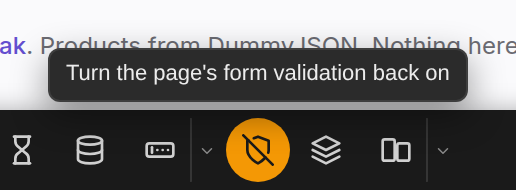
- Open the toolbox and click the skip validation button. It lights up.
- Fill the form with anything and submit it. Nothing stops it in the browser.
- Click the button again to put every check back exactly as it was.
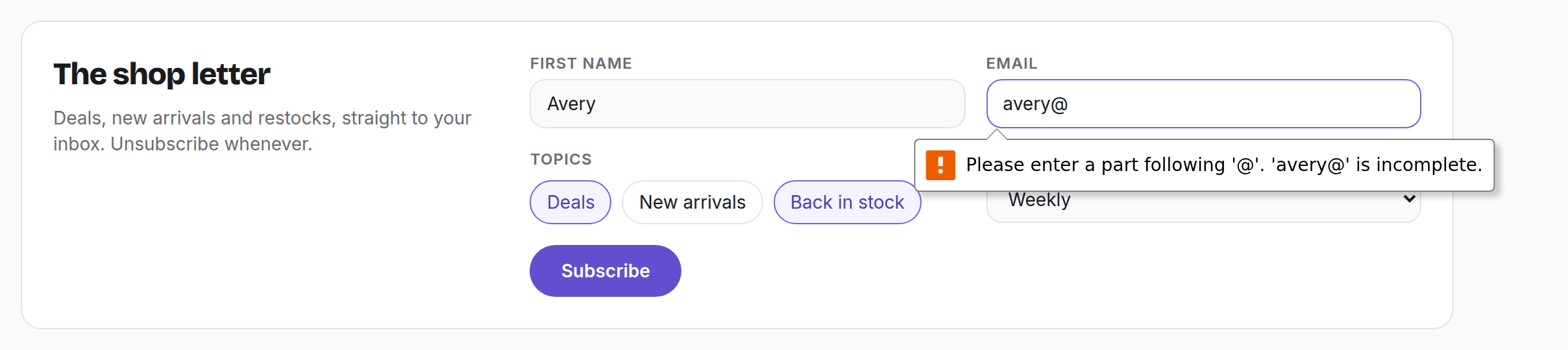
Example: an email address the browser refuses
Type avery@ in the email field of the shop's newsletter form and press Subscribe. The browser stops the form
and nothing is sent.
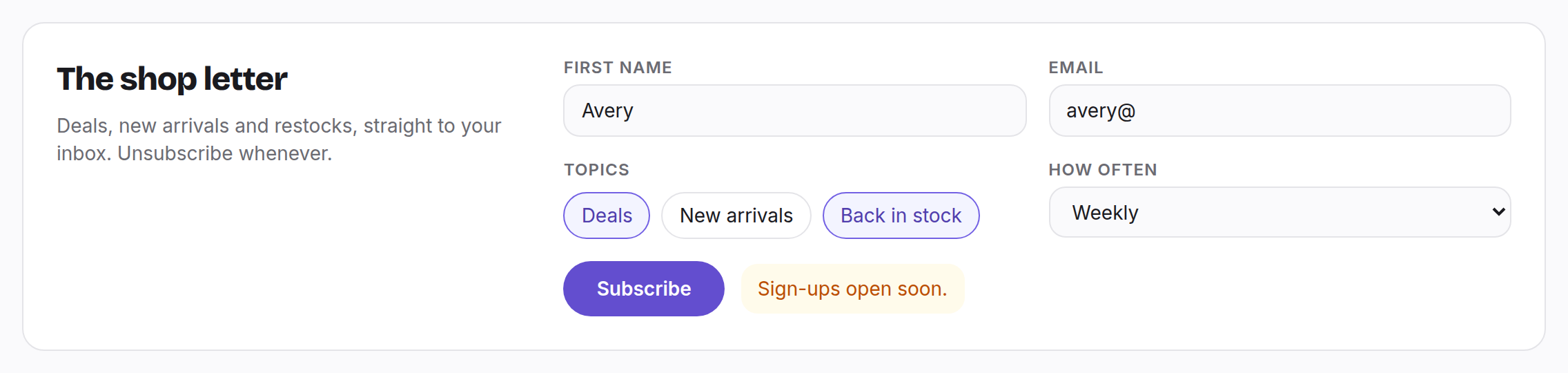
Switch on Skip form validation and press Subscribe again. This time the form goes through, and the shop shows the server's answer.
Good to know
- It removes
required,pattern,min,max,minlength,maxlength,stepandaccept, turns email, url, number and date fields into plain text fields (so they keep whatever you type), and enables a submit button the page disabled. - Forms the page shows later are covered too, and so are checks the page adds back.
- It stays on across reloads of the tab until you switch it off or close the toolbox. Both put every check back.
- Checks written in the page's own JavaScript still run: only the browser's built-in form checks are lifted.
- Pair it with Edge cases to fill the form with data worth sending.
Need something else? Request a feature