Edge cases
This functionality is only available on Tweak Max. Compare the plans here.
Edge cases fills a field, or a whole form, with the data that breaks apps: very long text, accents, emoji, right-to-left scripts, odd numbers and dates, awkward emails and broken files. Pick the data, click, and see how the page and the server cope.
Using it
-
Turn it on in Settings > Toolbox: it is off by default.
-
Open the toolbox and click the arrow next to the edge cases button.
-
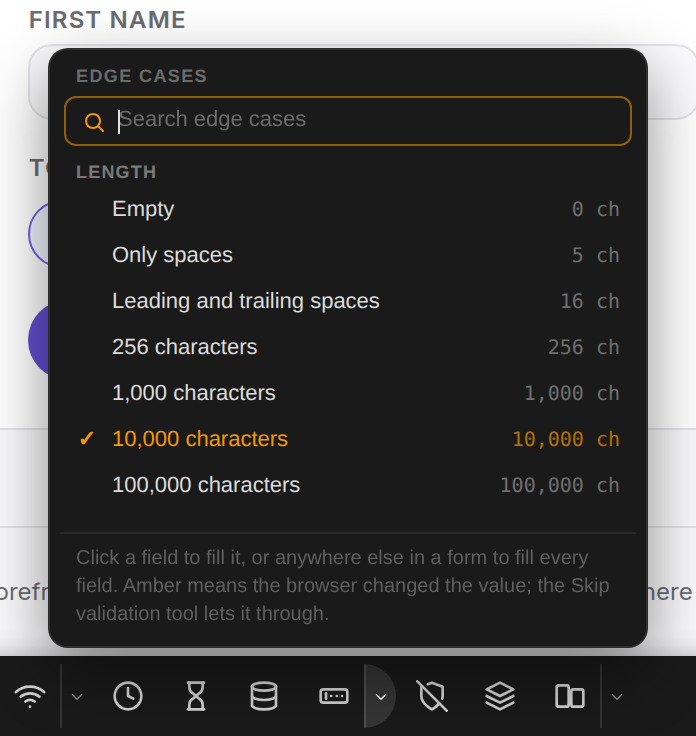
Pick the data from Length, Characters, Numbers, Dates, Formats or Files, or search for it. Picking it arms the tool, and the button's tag shows what is loaded.
-
Click a field to fill it. Click anywhere else inside a form to fill every field the data fits.
-
Click the edge cases button again, or press Esc, to put the tool away.
Example: a 256-character first name
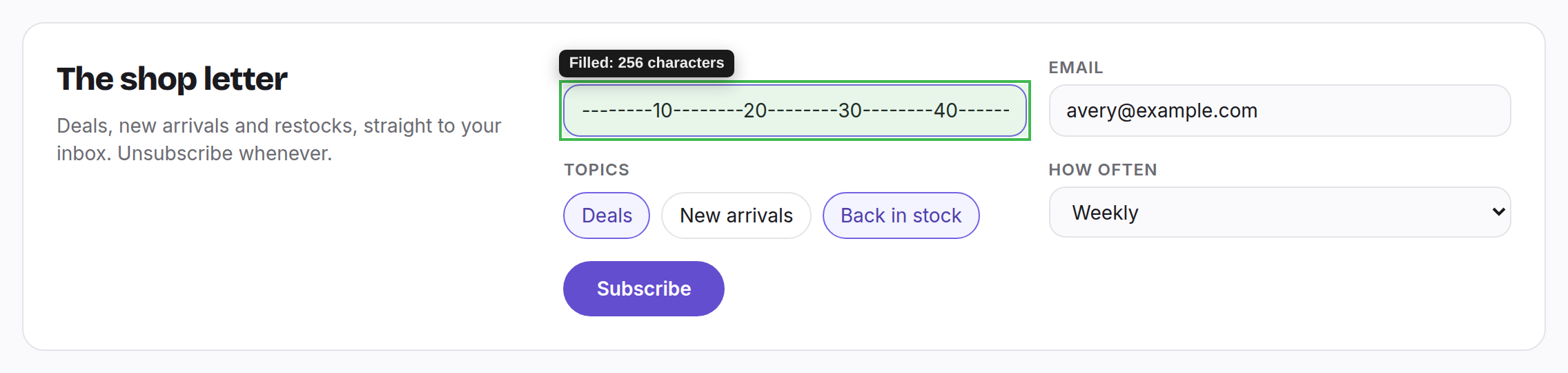
Pick 256 characters and click the first name of the shop's newsletter form. The value is counted text
(--------10--------20…), so wherever it is cut short, it tells you at which character.
Example: the whole form in right-to-left text
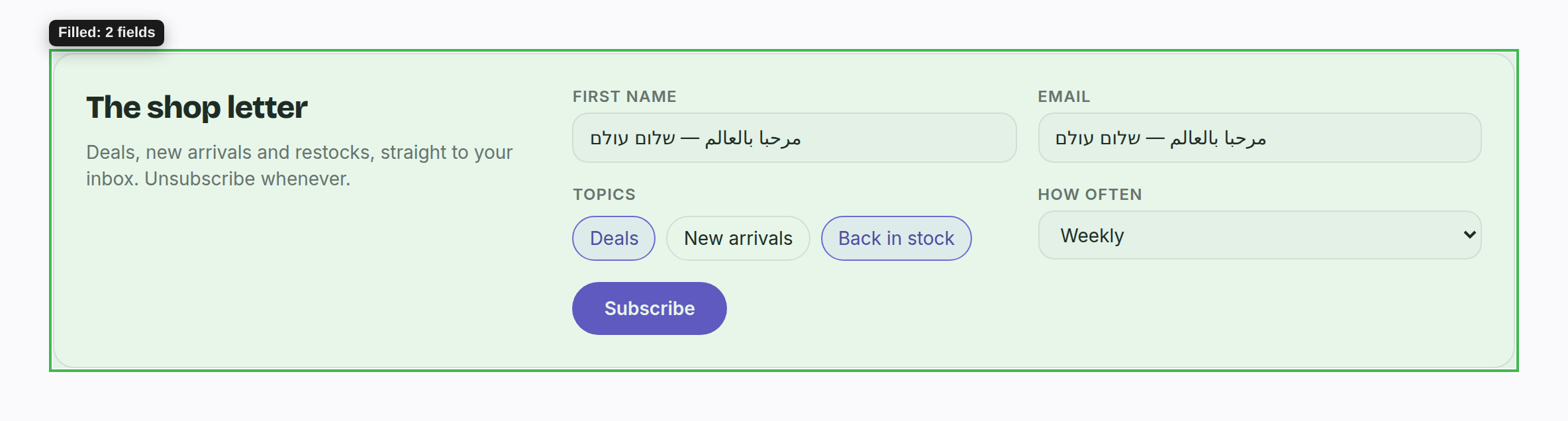
Pick Right-to-left and click the form's heading. Both text fields are filled with Arabic and Hebrew at once.
Good to know
- A green outline means the field holds exactly the data. Amber means the browser changed it, for example letters typed into a number or date field: the server will never see that value.
- The data is fixed, not random, so a bug you find comes back the same way every time.
- Values are entered the way a paste is, so the page reacts as it would to a user. A field's maximum length does not stop them.
- File cases (an empty file, a text file named
.png, a 10 MB file…) go into a file field, or the drop zone around it. - Buttons, links and checkboxes still work with the tool out, so you can fill and submit without putting it away.
- To send values the page's own checks would refuse, use Skip form validation.
Need something else? Request a feature